Bugs Found in Train Station 3: Rail Tycoon for iOS
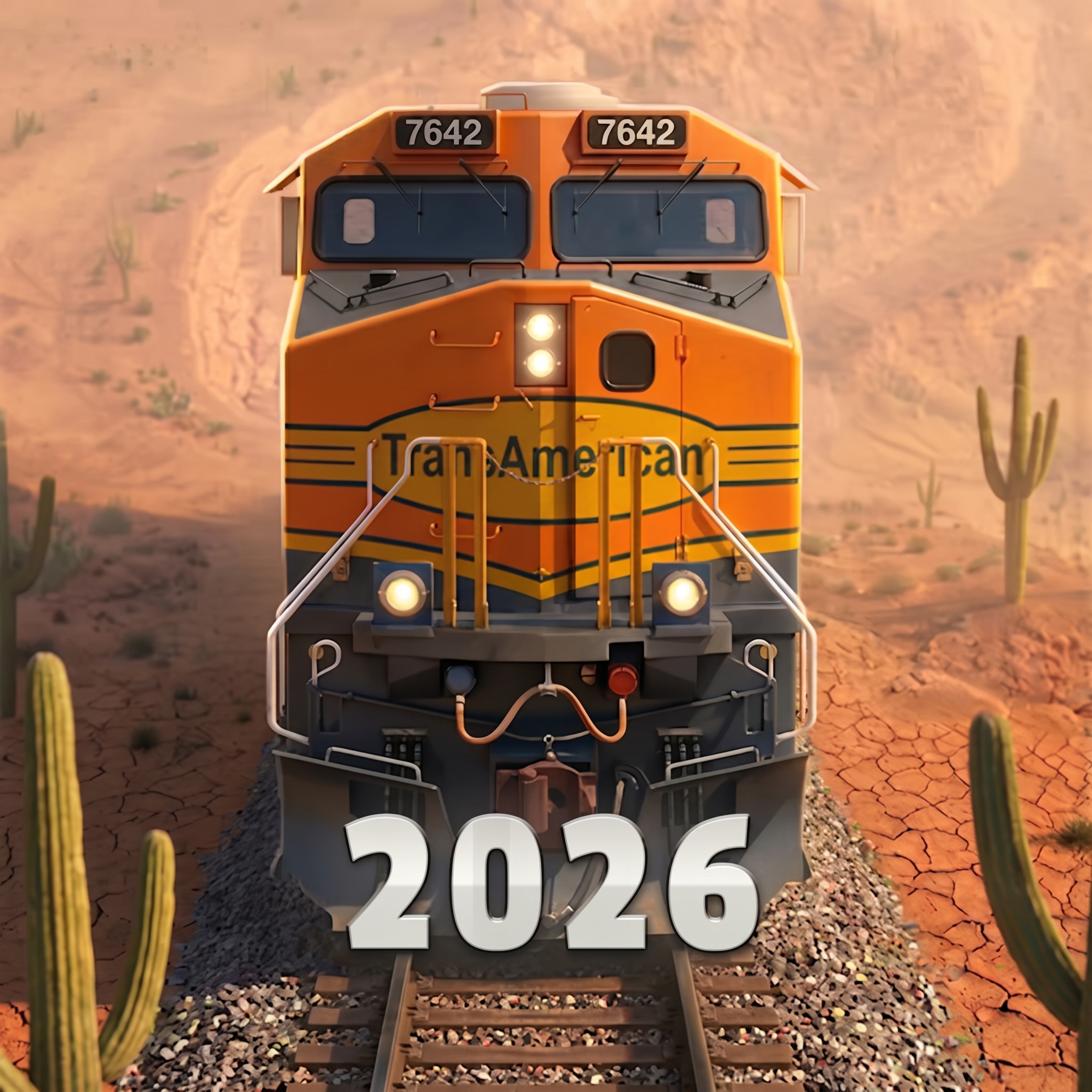


If you are fond of trains to the point where you’d like to spend your free time building a railway empire, Train Station 3: Rail Tycoon is the game for you. It’s a fun app with beautiful graphics and exciting gameplay. It offers multiple features to keep players entertained for hours, such as managing trains, unlocking historic locomotives, and using them to develop regional infrastructure.
The QAwerk team tested Train Station 3, and we enjoyed it greatly. The graphics are stunning, and progressing through historical periods is fascinating. However, despite the captivating gameplay, we encountered a few bugs that impact user experience. Please see our detailed analysis of those issues below.
User is able to delete account that has never been registered or logged in
Severity:
Major
Precondition:
- The user has not created or logged into an account.
Steps to Reproduce:
- Launch the game.
- Navigate to the ‘Settings’ section.
- Navigate to the ‘Account Management’ section.
- Tap the ‘Delete Account’ option.
Environment:
- OS: iOS 18.4.1
- Device: iPhone 12
Actual Result:
The application allows the user to delete an account even though no account is registered or logged in.
Expected Result:
The ‘Delete Account’ option should be disabled for guest users or should display a message informing the user that there is no associated account for the current session.
User is unable to skip intro preview video and start gameplay immediately
Severity:
Major
Precondition:
- No special preconditions are required.
Steps to Reproduce:
- Launch the game for the first time.
- Wait for the intro preview video to start playing.
- Try to skip the video.
Environment:
- OS: iOS 18.4.1
- Device: iPhone 12
Actual Result:
The intro preview video cannot be skipped. The user must watch the entire video before accessing gameplay.
Expected Result:
The game should provide a ‘Skip’ option, allowing users to bypass the intro video and start playing immediately.
Poor network connection indicator overlaps gameplay UI and in-game messages
Severity:
Major
Precondition:
- Launch the game with an unstable or disabled internet connection.
Steps to Reproduce:
- Start the game.
- Enter gameplay while the network connection is poor.
- Observe the connection status indicator.
Environment:
- OS: iOS 18.4.1
- Device: iPhone 12
Actual Result:
The poor network connection icon overlaps gameplay elements and in-game text messages, reducing their visibility and affecting the user experience.
Expected Result:
The connection status indicator should be positioned so that it does not overlap gameplay UI or informational messages.

Task list cannot be collapsed and permanently obstructs gameplay
Severity:
Major
Precondition:
- No special preconditions are required.
Steps to Reproduce:
- Launch the game.
- Start gameplay.
- Observe the task list displayed on the screen.
- Try to collapse or hide the task list.
Environment:
- OS: iOS 18.4.1
- Device: iPhone 12
Actual Result:
The task list cannot be collapsed or hidden and continuously occupies part of the gameplay area, reducing screen visibility and overall usability.
Expected Result:
The task list should provide an option to collapse into a small icon or minimize, allowing users to reopen it whenever needed.

While testing the game, I identified a few issues ranging from minor to major severity. The reported problems primarily affect account management, onboarding, and the overall UX. Improving validation for account-related actions, refining UI element behavior, and making persistent interface panels collapsible would significantly improve the gameplay experience.