Bugs Found in Idle Farm: Farming Town Games for iOS



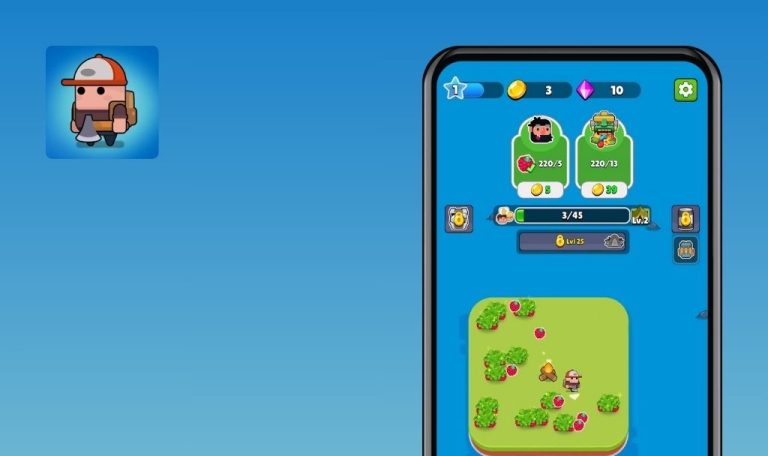
Idle Farm: Farming Town Games for iOS is a fun farming sim with some great gameplay mechanics and beautiful graphics that players are sure to love. It allows you to grow crops and build a thriving farming business, all while relaxing from the stress of everyday life.
However, players might encounter some issues while building their empires. Most of them are related to game progression and crashes.
Our QA engineers conducted a bug crawl of the game, and we share the results below. Take a look to find out what might cause your game to crash and how these issues could be resolved.
Application crashes after resetting progress
Severity:
Critical
Precondition:
The user made some progress in the game.
Steps to Reproduce:
- Launch the game.
- Tap the “Settings” button in the top left corner.
- Tap the “Reset progress” button.
- Observe the result.
Environment:
iPhone 16 (18.2)
iPhone 11 (26.3)
Actual Result:
The application crashes after the progress is reset.
Expected Result:
The game’s progress should reset seamlessly without the application crashing.
App crashes if it is force-closed while watching rewarded ad
Severity:
Critical
Steps to Reproduce:
- Launch the game.
- Tap the “Shop” or any “Boost” screen.
- Tap any rewarded ad.
- Force-close the game while the ad is playing.
Environment:
iPhone 16 (18.2)
iPhone 11 (26.3)
Actual Result:
The app crashes if it is force-closed while a rewarded ad is playing.
Expected Result:
The user should be able to close and reopen the game without the app crashing.
“Settings” screen is blinking, and nothing is shown after tapping “Restore” button
Severity:
Major
Steps to Reproduce:
- Launch the game.
- Tap the “Settings” button in the top left corner.
- Tap the “Restore” button in the ‘Restore Purchase” line.
Environment:
iPhone 16 (18.2)
iPhone 11 (26.3)
Actual Result:
The “Settings” screen starts blinking after tapping the “Restore” button.
Expected Result:
The “Settings” screen should remain stable without any malfunction, such as blinking. The user should be able to view the restoration process’s outcome after tapping the “Restore” button.
“Welcome back” screen closes too quickly, preventing user from selecting any option
Severity:
Major
Precondition:
The user made some progress in the game.
Steps to Reproduce:
- Launch the app.
- Observe the “Welcome Back” screen.
Environment:
iPhone 16 (18.2)
iPhone 11 (26.3)
Actual Result:
The Welcome Back” screen closes too quickly, and the user cannot select any of the available options.
Expected Result:
The “Welcome Back” screen should remain visible long enough for the user to select an option.
Inability to close pop-up after level boost in “Tutorial” section
Severity:
Major
Steps to Reproduce:
- Launch the game.
- Play until a tutorial or hint pop-up appears.
- Tap the pop-up and boost the level.
- Try to close the pop-up by tapping the “X” button.
Environment:
iPhone 16 (18.2)
iPhone 11 (26.3)
Actual Result:
The pop-up remains open and does not respond to the “X” button after the level is boosted. The player cannot dismiss the pop-up and is unable to continue normal gameplay.
Expected Result:
The pop-up should close when the “X” button is tapped after boosting the level or it should close automatically once the boost action is completed.
Idle Farm: Farming Town Games has solid core mechanics and can be enjoyable for fans of the genre. However, there are some noticeable issues with ads, progression, and monetization that can negatively impact the overall experience and frustrate players. These issues could be addressed through mobile game testing, thereby significantly improving the user experience.