Bugs found in Asseco Qasida CRM SaaS

Asseco Qasida offers a robust, customer-oriented CRM platform designed to streamline business practices and boost productivity through lead management, sales automation, marketing campaigns, analytics, and customer service tools.
Its seamless third-party integrations and comprehensive feature set equip businesses to build meaningful customer interactions and manage every stage of the sales cycle from one interface.
The QAwerk team performed a thorough Bug Crawl on Qasida CRM SaaS, uncovering critical and major issues that may disrupt core workflows and user experience. Below are our detailed findings.
Login button functionality is not working on CRM page
Severity:
Critical
Precondition:
The user is not already logged in.
Steps to Reproduce:
- Navigate to https://asseco-qasida.com/en/applications/crm#.
- Click the Login button.
Environment:
Windows 10; Chrome 127.0.6533.89; Firefox 128.0.3; Edge 127.0.2651.86
Actual Result:
No response — the login form does not appear, and no error message is shown.
Expected Result:
The login form should display, or the user should be redirected to the login page; any error should be communicated.
Persistent loading after user re-login post session timeout
Severity:
Critical
Precondition:
The user has been automatically logged off due to session timeout.
Steps to Reproduce:
- Visit https://crm-demo.qasida.sk/ and log in.
- Allow the session to expire.
- Attempt to log back in with valid credentials.
Environment:
Windows 10; Chrome 127.0.6533.89; Firefox 128.0.3
Actual Result:
The application displays a perpetual loading screen and never proceeds.
Expected Result:
A successful login should redirect the user immediately to the dashboard or last accessed page.
Calendar allows start dates to be set later than end dates
Severity:
Major
Precondition:
The user is logged in.
Steps to Reproduce:
- Navigate to the Agenda tab.
- Double-click any date to create an Email activity.
- Fill the Name field.
- Set End Date to a date before Start Date.
- Click Confirm.
Environment:
Windows 10; Chrome 127.0.6533.89; Firefox 128.0.3; Edge 127.0.2651.86
Actual Result:
Activity is created despite the Start Date occurring after the End Date.
Expected Result:
The system should block creation and display a validation error that Start Date must precede End Date.
Errors occur during rapid switching between sub-tabs in Contacts section
Severity:
Major
Precondition:
The user is logged in.
Steps to Reproduce:
- Navigate to the Contacts section.
- Rapidly switch between sub-tabs.
Environment:
Windows 10; Chrome 127.0.6533.89; Firefox 128.0.3; Edge 127.0.2651.86
Actual Result:
An intermittent unidentified error message appears while switching.
Expected Result:
Sub-tabs should transition smoothly without errors, regardless of interaction speed.
Invalid dates successfully saved in Commerce Cases
Severity:
Major
Precondition:
The user is logged in.
Steps to Reproduce:
- Navigate to the Commerce Cases tab and open the case.
- Set End Date to 01/01/1900 (Start Date reverts to 12/31/1899).
- Click Save.
- Set Start Date to 12/31/2099 (End Date reverts to 01/01/2100).
- Click Save.
Environment:
Windows 10; Chrome 127.0.6533.89; Firefox 128.0.3; Edge 127.0.2651.86
Actual Result:
Cases save successfully despite invalid dates and red visual alerts.
Expected Result:
The system should block, save, and display a validation error for out-of-range dates.
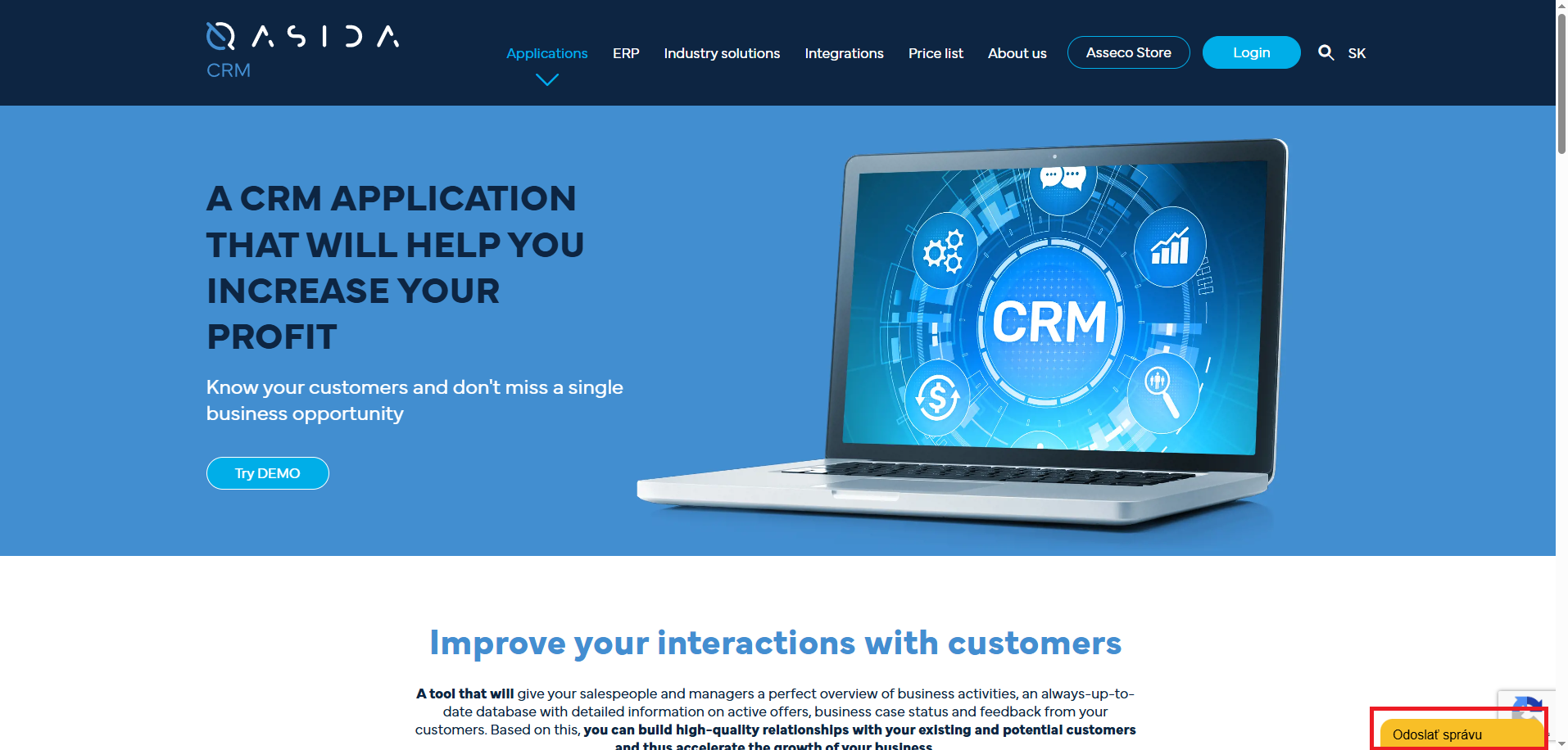
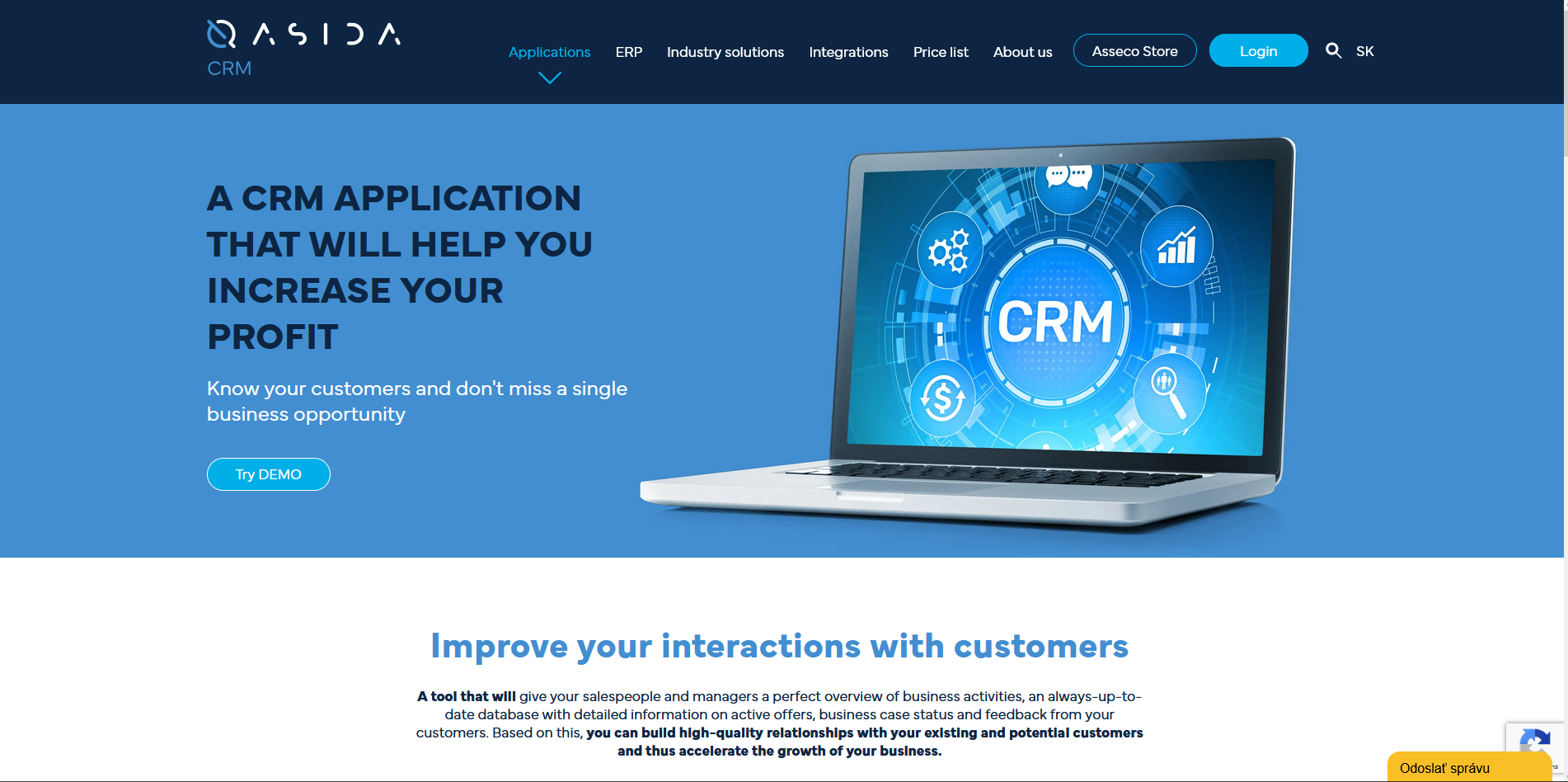
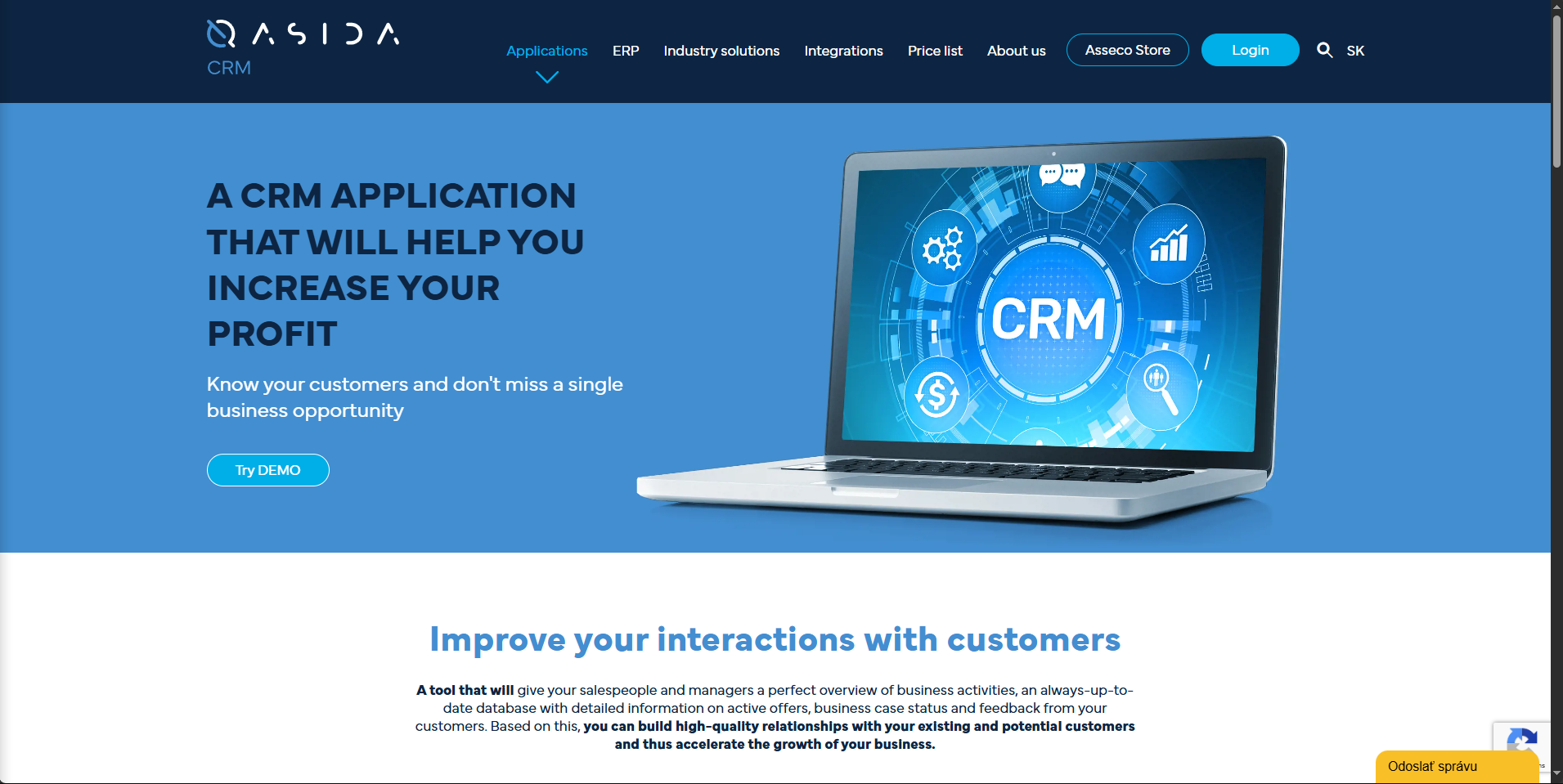
Support chat header isn’t displayed in English
Severity:
Minor
Precondition:
- The user is not logged in.
- The website language is set to English.
Steps to Reproduce:
- Go to https://asseco-qasida.com/en/applications/crm#.
- Confirm language is English.
- Open the support chat window.
Environment:
Windows 10; Chrome 127.0.6533.89; Firefox 128.0.3; Edge 127.0.2651.86
Actual Result:
Chat header appears in Slovak.
Expected Result:
The chat header should display in English when the website language is English.
Multiple identical license notifications appear in header
Severity:
Minor
Precondition:
The user is logged in.
Steps to Reproduce:
- Log in to the application.
- Observe license notifications in the header over time.
Environment:
Windows 10; Chrome 127.0.6533.89; Firefox 128.0.3; Edge 127.0.2651.86
Actual Result:
Two identical notifications display initially; duplicates increase with time.
Expected Result:
Each license notification should display only once without repetition.
Task type dropdown displayed in Slovak despite English selection
Severity:
Minor
Precondition:
- The user is logged in.
- The website language is English.
Steps to Reproduce:
- Navigate to the Agenda tab.
- Double-click a calendar date and choose Task activity.
- Open the Task type dropdown.
Environment:
Windows 10; Chrome 127.0.6533.89; Firefox 128.0.3; Edge 127.0.2651.86
Actual Result:
Dropdown options appear in Slovak.
Expected Result:
All dropdown items should display in English when the website language is English.
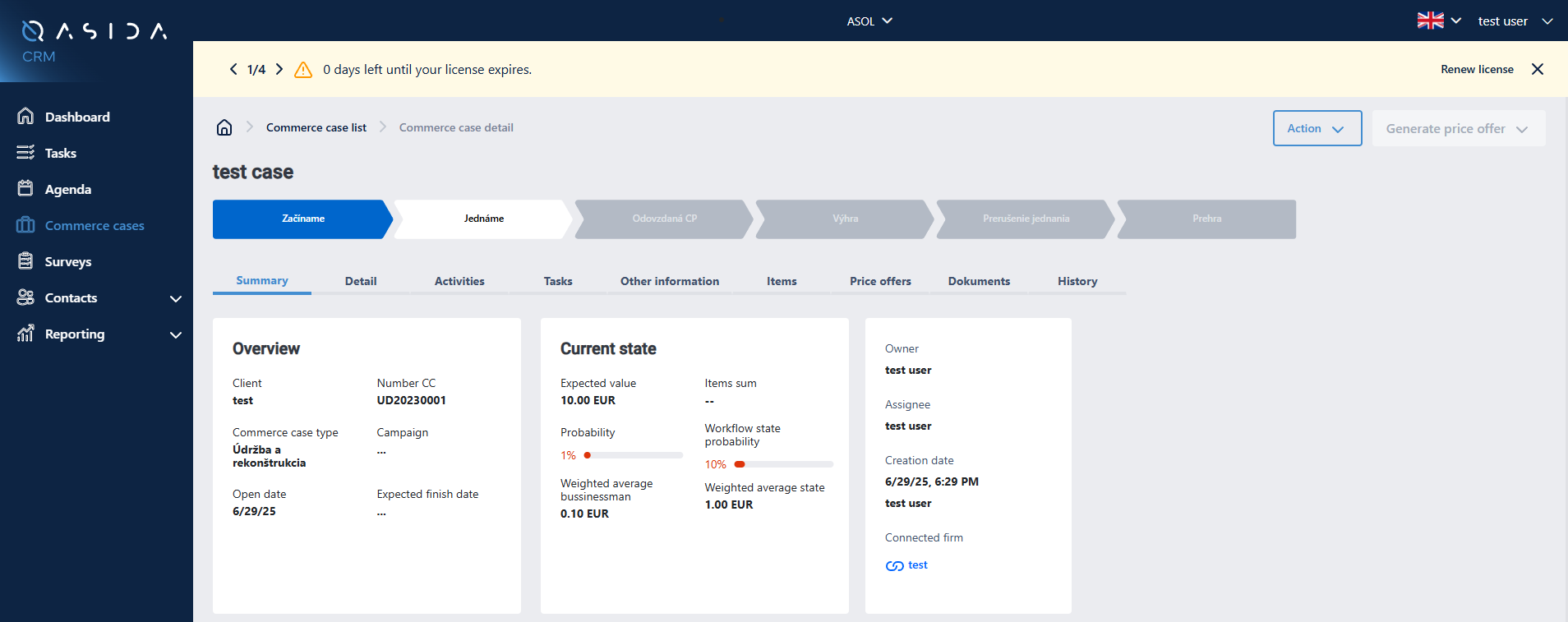
Commerce case stage names are displayed in Slovak instead of English
Severity:
Minor
Precondition:
- The user is logged in.
- The website language is English.
Steps to Reproduce:
- Navigate to the Commerce Cases tab.
- Open any case.
Environment:
Windows 10; Chrome 127.0.6533.89; Firefox 128.0.3; Edge 127.0.2651.86
Actual Result:
Stage names appear in Slovak.
Expected Result:
Stage names should display in English when the website language is English.

Critical login and session-recovery failures block user access, while major date and navigation errors compromise data integrity and workflow. Minor localization and notification duplications erode user experience consistency. Addressing these issues will restore secure, smooth CRM operations and reinforce user confidence.